Guide
DESIGN.md preview workflow
A preview-first workflow turns DESIGN.md selection into a visible decision. MoStyle uses fixed page types so the same design can be judged across marketing, console, and application surfaces.
Guide
Why this page exists
Use a preview-first workflow to evaluate a DESIGN.md across landing, admin, and app screens before choosing it for your product.
Related pages
Continue from guidance to real DESIGN.md files
Use the related pages to move from the question you searched for to preview-backed DESIGN.md options.
DESIGN.md examples
Published DESIGN.md files related to this guide
Open the visual examples and compare their three standard previews before deciding what to download.
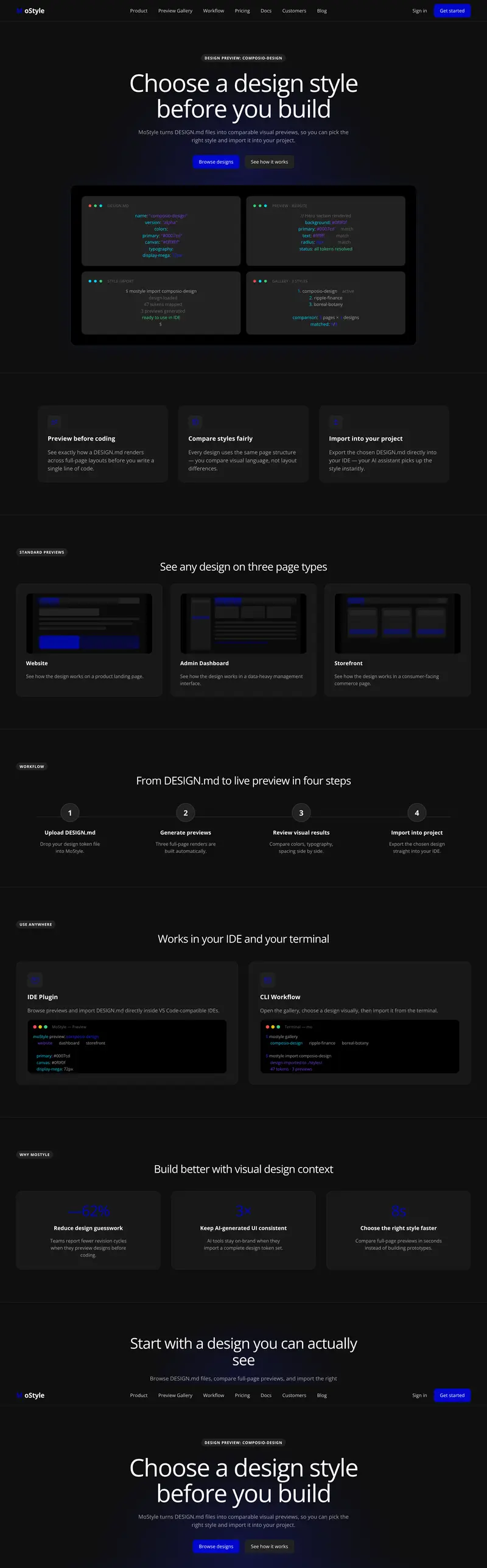
Developer tool
Integration Automation Developer Tool DESIGN.md
Explore a integration UI and automation console Developer tool DESIGN.md for developer tool teams and frontend engineers building integration dashboard, workflow automation, and developer console. Compare its landing, admin, and app previews before choosing and downloading it for your product.
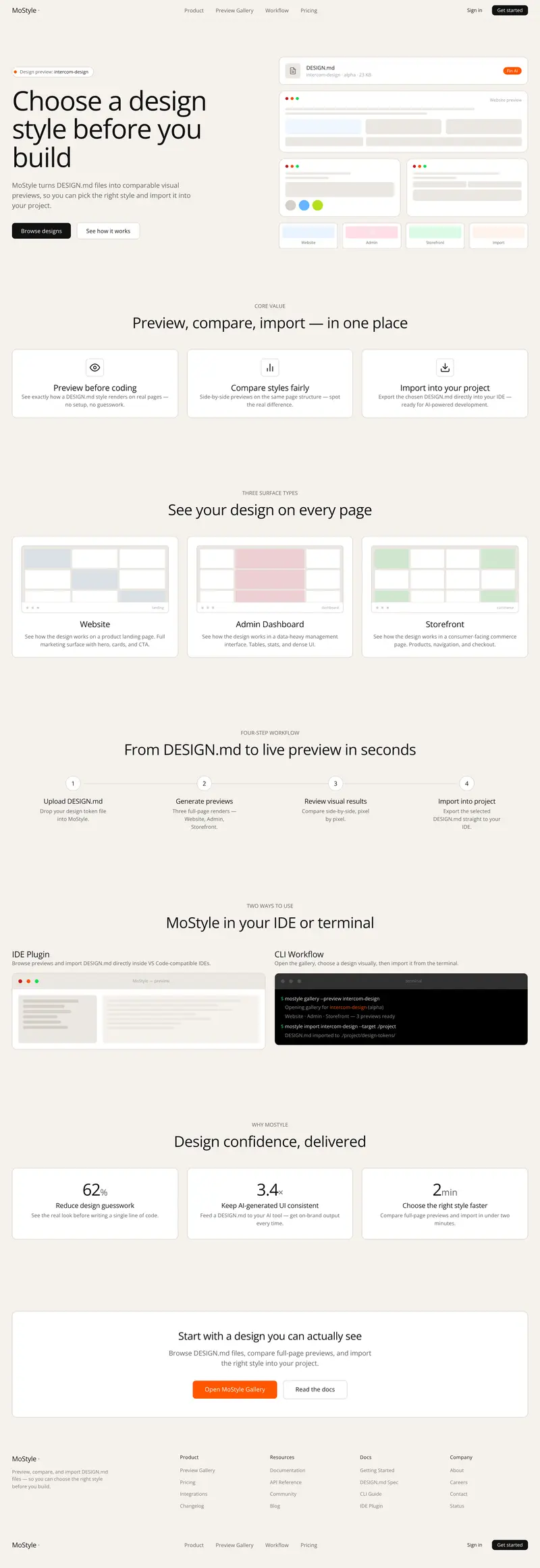
Admin panel
Customer Support Admin Panel DESIGN.md
Explore a support console and admin panel Admin panel DESIGN.md for support teams and frontend engineers building customer support queue, inbox dashboard, and helpdesk operations. Compare its landing, admin, and app previews before choosing and downloading it for your product.
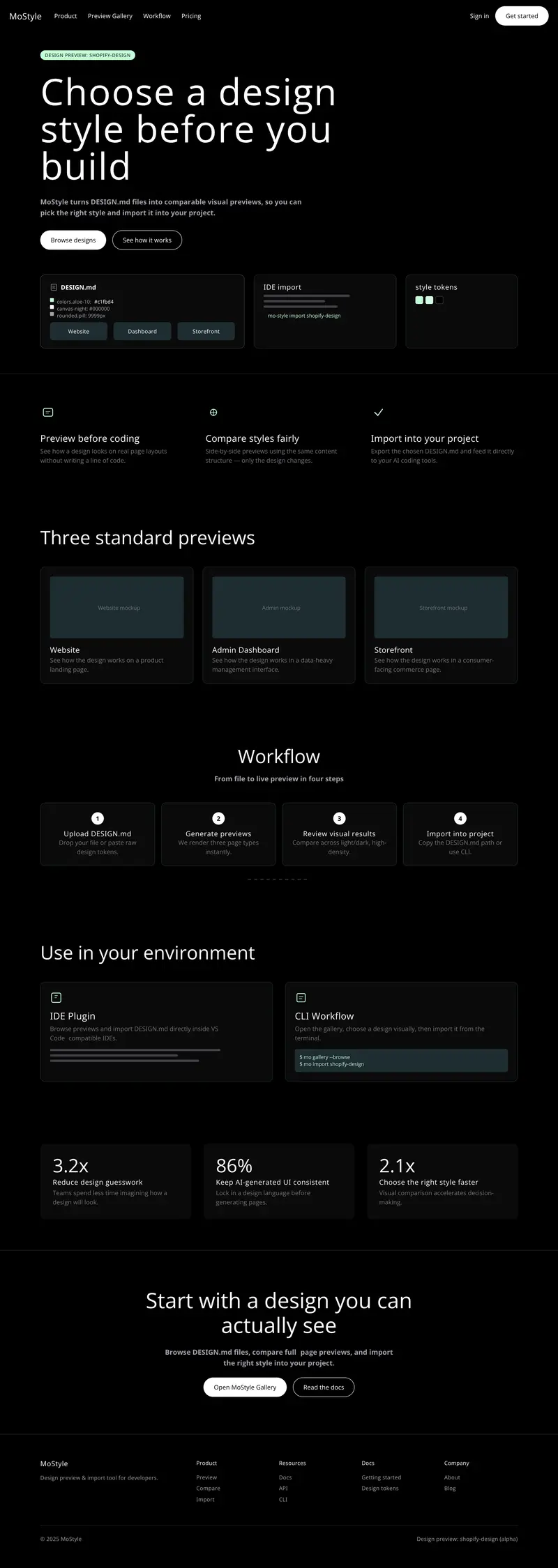
Admin panel
Ecommerce Admin Dashboard DESIGN.md
Explore a ecommerce admin and merchant dashboard Admin panel DESIGN.md for commerce teams and frontend engineers building store management, order operations, and merchant analytics. Compare its landing, admin, and app previews before choosing and downloading it for your product.