Guide
Find reusable frontend design context before implementation
Instead of repeatedly describing a style in frontend prompts, choose a DESIGN.md that already captures the direction and verify its output before using it with an AI coding tool.
Guide
Why this page exists
Find reusable frontend design context in DESIGN.md files and evaluate each direction through visual previews before implementation.
Related pages
Continue from guidance to real DESIGN.md files
Use the related pages to move from the question you searched for to preview-backed DESIGN.md options.
FAQ
Questions about this workflow
Use these answers to find, evaluate, and apply the right DESIGN.md.
DESIGN.md examples
Published DESIGN.md files related to this guide
Open the visual examples and compare their three standard previews before deciding what to download.
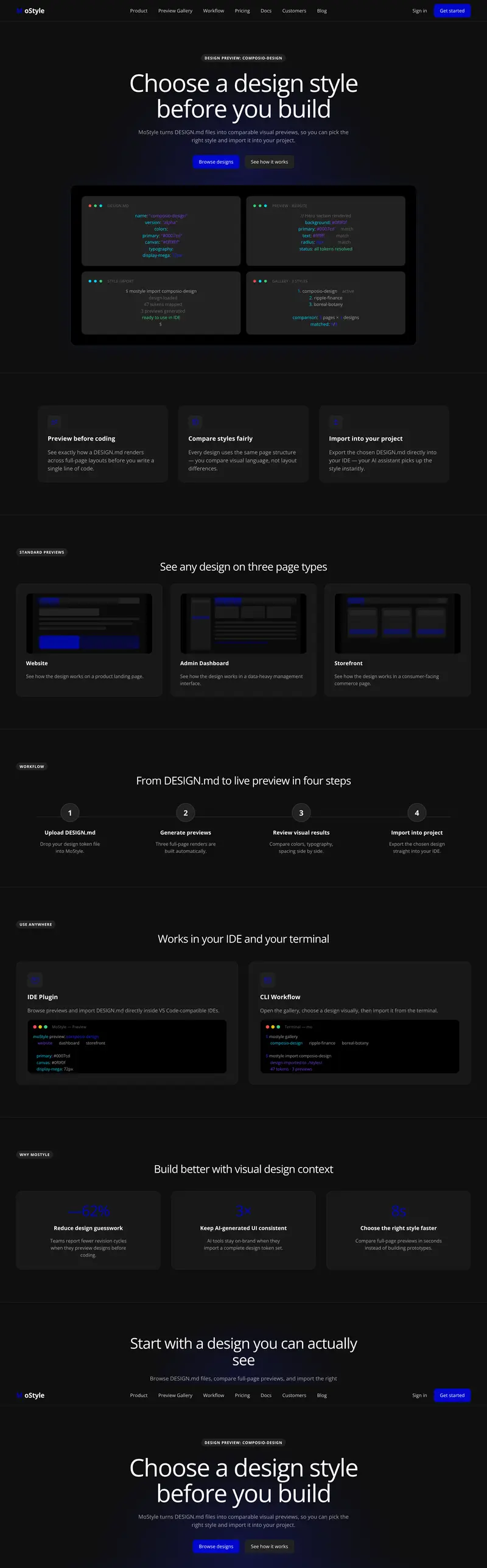
Developer tool
Integration Automation Developer Tool DESIGN.md
Explore a integration UI and automation console Developer tool DESIGN.md for developer tool teams and frontend engineers building integration dashboard, workflow automation, and developer console. Compare its landing, admin, and app previews before choosing and downloading it for your product.
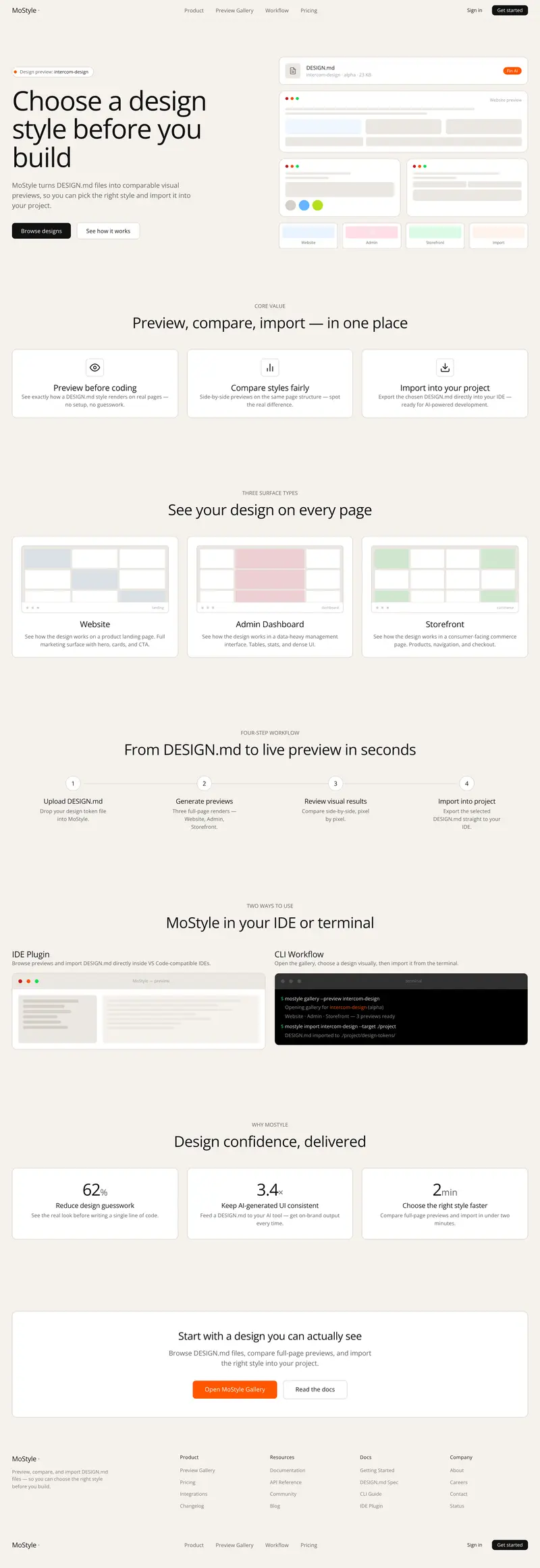
Admin panel
Customer Support Admin Panel DESIGN.md
Explore a support console and admin panel Admin panel DESIGN.md for support teams and frontend engineers building customer support queue, inbox dashboard, and helpdesk operations. Compare its landing, admin, and app previews before choosing and downloading it for your product.
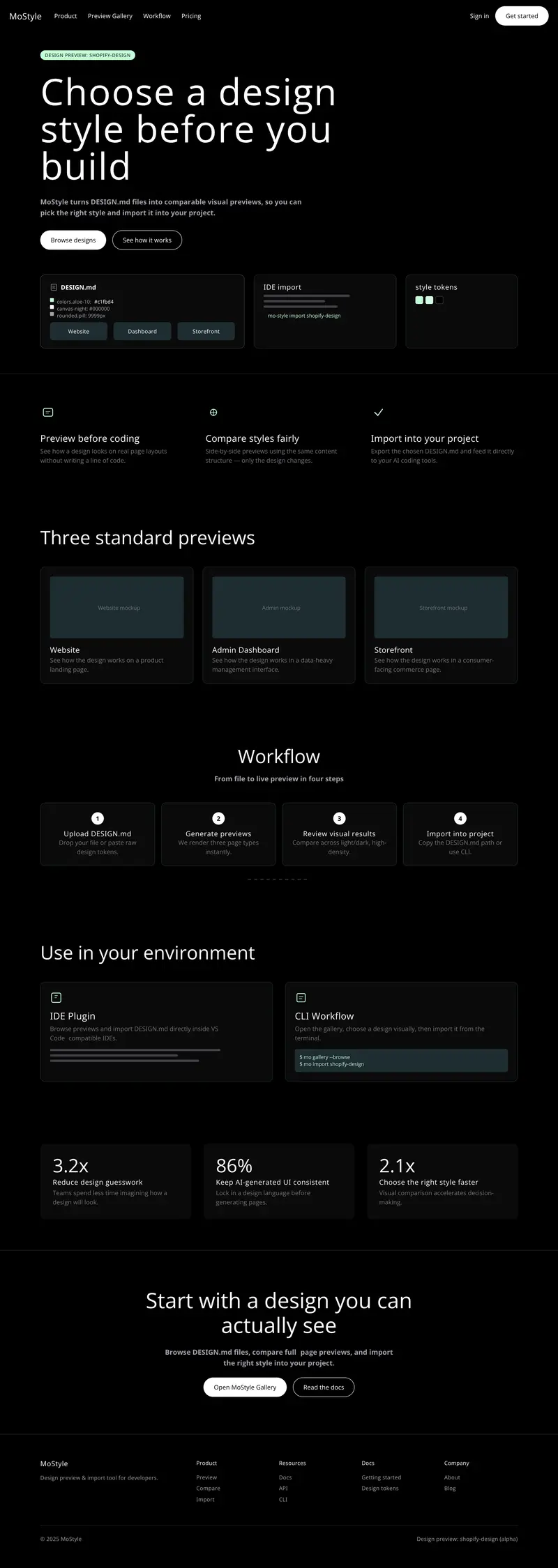
Admin panel
Ecommerce Admin Dashboard DESIGN.md
Explore a ecommerce admin and merchant dashboard Admin panel DESIGN.md for commerce teams and frontend engineers building store management, order operations, and merchant analytics. Compare its landing, admin, and app previews before choosing and downloading it for your product.